TL;DR
- Business Suite launched in late 2020 as Facebook Business Suite, replacing the Pages Manager app, and was renamed Meta Business Suite after the Facebook company rebranded to Meta, with the same tool and features.
- Every feature is free on both web and app, with no premium tier and no monthly subscription; the only money passing through it is the ad budget set when boosting a post or creating an ad.
- It is reachable two ways: on the web at business.facebook.com, and through the Meta Business Suite mobile app on iOS and Android.
- Business Suite is the front of house for daily posting, chats, stats and boosts, while Business Manager, whose functions now sit in Business Settings, controls ad accounts, Pixels, domains, catalogs and access permissions.
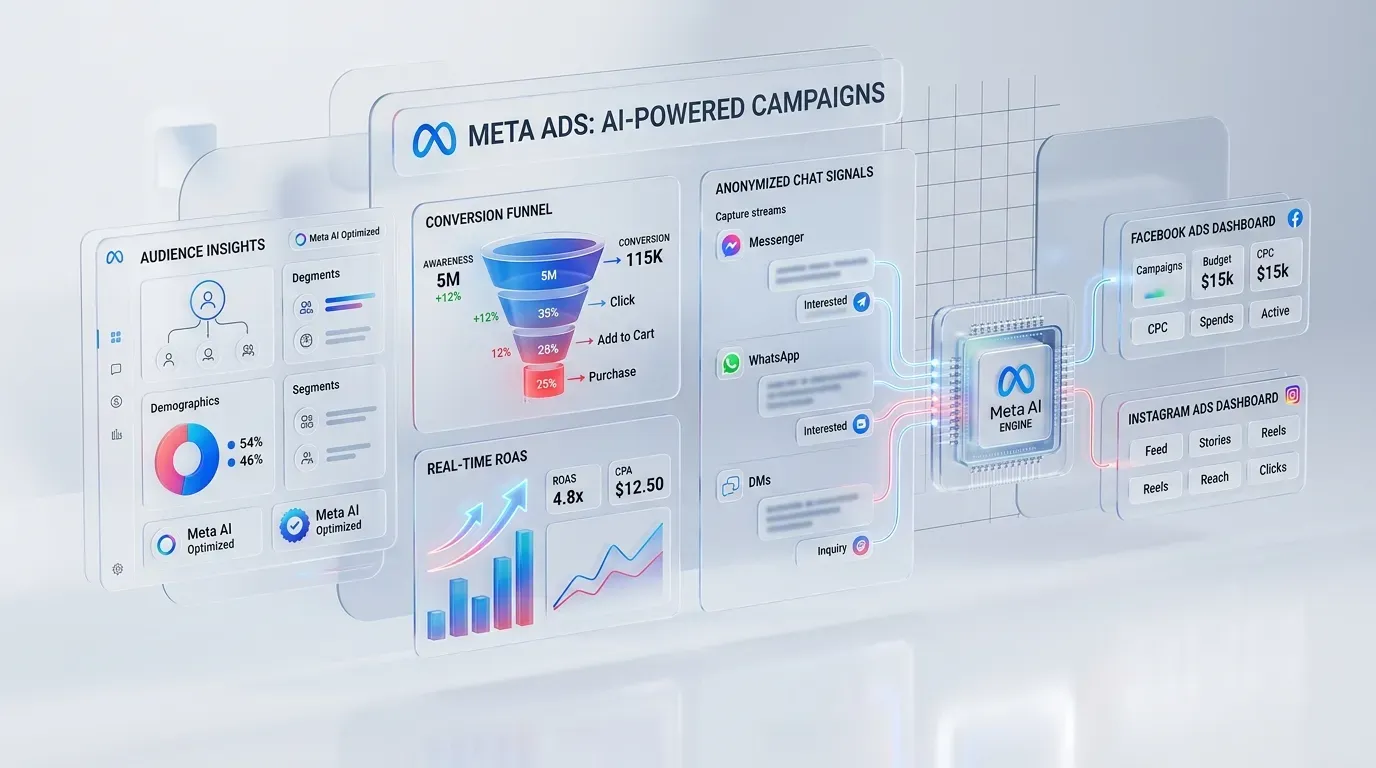
If you look after a Facebook page for your shop or business and spend the day hopping between apps to post, answer chats, check comments, and then open yet another screen to see how your ads are doing, Facebook Business Suite (officially called Meta Business Suite these days) was built to fix exactly that. In the shortest possible terms, it is a free dashboard from Meta that brings your Facebook page, your Instagram account and all your messages together in one place. Posting, scheduling, replying to customers, checking stats or setting up a simple ad all gets done from a single screen, with no app-switching required.
What is Facebook Business Suite, and why is it now Meta Business Suite?
Business Suite launched in late 2020 under the name Facebook Business Suite, replacing the old Pages Manager app. When the Facebook company rebranded to Meta, the tool was renamed Meta Business Suite. Same tool, same features. So if you read an article that keeps switching between the two names, do not let it throw you: they are one and the same thing.
You can use it through two channels: on the web at business.facebook.com, or through the Meta Business Suite mobile app on both iOS and Android. Its main selling point is that it was designed for small and medium businesses to use easily. You do not need to be a technical person to manage your page and Instagram fully from one place.
What can Meta Business Suite do?
More than most people expect. The main feature groups break down like this:
- Posting and scheduling: publish content to Facebook and Instagram at the same time, pick a date and time in advance, and use the Planner to see your whole content calendar for the month.
- Unified inbox: messages from Messenger, Instagram DMs and comments from both platforms land in one place, with automated replies available.
- Insights: see your reach, follower growth, which content is performing and what times your audience is online.
- Ads: create simple ads such as boosted posts right inside the tool, with basic results reporting.
- Extra tools: a to-do list that gathers unanswered comments and messages, a media file library, and access to Commerce Manager for shops.
Post once, publish to both platforms
This is the biggest time-saver of the lot. Write your caption once and publish to both your Facebook page and Instagram together, or tweak the caption separately for each platform if you prefer. The Planner lets you line up content weeks or a month ahead, which is a huge help for shops where one person runs the page and would rather not post live every single day.
One inbox for every customer channel
The classic pain of running a page is that messages come at you from everywhere. The Business Suite Inbox pulls Messenger, Instagram DMs and comments into a single stream. There are labels for grouping customers, saved replies for the questions you get asked over and over, and the option to assign chats to other team members.
Read your Insights and your content keeps improving
The Insights page tells you which posts reached the most people, which ones got shared, and when your followers are actually online. Use that data to adjust your posting schedule and content direction. No guesswork needed.
Run basic ads without opening Ads Manager
From Business Suite you can boost a post or create a simple ad directly: choose an audience, a budget and a duration. It works well for pushing a post that is already doing well organically. If your goals are more serious, though, such as retargeting, multi-layer campaign structures or keeping a tight grip on cost per result, the full Ads Manager is far more flexible. And if you would rather skip the trial and error entirely, a professional Facebook Ads management team can plan and run campaigns for you from day one.
Does Facebook Business Suite cost anything?
The most common question of all, and the short answer is no. Business Suite is free in every feature, on both web and app. There is no premium tier and no monthly subscription. The only money that ever passes through the tool is the ad budget you set yourself when you boost a post or create an ad, and that is a separate matter from the tool itself. If you are not ready to run ads yet, you can use everything else without paying a single baht.
Business Suite vs Business Manager: what is the difference?
These two names confuse people all over the world, not just in Thailand. Here is the simple way to tell them apart:
- Meta Business Suite is the front of house for day-to-day work: posting, answering chats, reading stats, boosting posts. It is built to be easy and suits business owners and page admins.
- Business Manager (most of its functions now live inside Business Settings) is the back of house for managing business assets: ad accounts, Pixels, domains, product catalogs, and the permissions that decide who can access what. It is also how you give an agency or partner safe access to help manage your accounts.
If you run the page alone, sell your own products and answer your own chats, you can get by barely touching Business Manager at all. But the moment you have a team, several pages, separate ad accounts or an agency working alongside you, Business Settings becomes essential, because it is the one place where access rights are controlled properly.
How to get started with Facebook Business Suite
The steps are easier than you might think, and there is nothing complicated to configure.
- Have a Facebook page for your business first. If you do not have one yet, create it from your personal account.
- Go to business.facebook.com and log in with the account that is an admin of the page. You will be taken into Business Suite automatically. Or download the Meta Business Suite app on your phone.
- Connect your business Instagram account under Settings, so you can post and reply from one place.
- Schedule your first post through the Planner and open the Insights page to get familiar with it.
- Set up automated replies in the Inbox, such as a greeting message and answers to frequently asked questions.
- If you have a team, add them and set their permissions properly so nobody has to share passwords.
One tip worth keeping: do not try to use every feature on day one. Start with the three that pay off fastest, which are scheduling posts, consolidating your inbox, and checking Insights weekly. Once those become habits, move on to ads and automation. And if you are a new business or startup building your whole marketing setup from scratch, a service like digital marketing for startups can help you put the right structure in place without months of trial and error.
Wrapping up
Facebook Business Suite, or Meta Business Suite, is a free tool that businesses of every size should be using. It cuts the daily busywork of managing Facebook and Instagram down to one dashboard and gives you real data to improve your content. When you reach the point where you want your brand's social channels growing faster on both platforms with someone managing it end to end, take a look at Relevant Social Ads, which handles paid social across every major platform. If the paid side of the plan also has to cover search, our Google Ads management in Bangkok runs alongside it on the same reporting.