TL;DR
- Almost every CRM is built from five blocks: contacts and companies, a deal pipeline with defined stages, logged activities, segmentation fields and reporting with automation.
- Operational CRM runs daily leads, deals and service; analytical CRM turns customer data into segments; collaborative CRM shares one customer history across teams and channels.
- ERP runs the back office (inventory, invoicing, accounting) and a CDP merges high-volume behavioural event data; a CRM is where sales and service staff work on individual customer records.
- Offline conversion import sends CRM stages such as Qualified or Won back to Google Ads using the GCLID captured by the web form, so bidding optimises for real sales rather than form fills.
- Thailand's PDPA, fully in force since 1 June 2022, covers the personal data a CRM holds, including consent for marketing contact and deletion requests.
CRM stands for Customer Relationship Management: a system that keeps every customer and prospect in one database, records each interaction with them, and tracks every sales opportunity through defined stages until it is won or lost. In practice a CRM answers three daily questions for a business: who is this person, what has already happened with them, and what should happen next. Anything that stores contacts but cannot answer the last two questions is closer to an address book than a CRM.
What does CRM stand for, and what problem does it solve?
CRM is short for Customer Relationship Management. The term describes both a way of working (managing relationships deliberately, not from memory) and the software that supports it. The problem it solves is scattered customer knowledge. Without a CRM, the details of a deal live in one salesperson's phone, a spreadsheet on someone's laptop, a chat thread and an email inbox. When that person is on leave or leaves the company, the history goes with them. Follow-ups are missed because nobody owns a reminder, and management cannot see how much business is in progress without asking each person individually.
A CRM replaces that with one shared record per customer and one agreed process for moving opportunities forward. The value comes from the process and the discipline of recording, not from the software alone.
How does a CRM work?
Almost every CRM, whatever the brand, is built from the same five building blocks.
Contacts and companies
Each person gets a record with name, phone, email, company, source (how they found you) and consent status. People are linked to company records, so in B2B sales you can see everyone you know at one client. Duplicate control matters here: the same person entered twice with a Thai and an English name splits their history in two.
Deal pipeline
A pipeline is the list of stages an opportunity passes through, for example New lead, Qualified, Meeting held, Proposal sent, Negotiation, Won or Lost. Each deal has a value, an owner and an expected close date. Moving a deal to the next stage should require something concrete to have happened, such as "proposal sent" meaning a document actually went out. Vague stages make the pipeline report meaningless.
Activities and tasks
Calls, meetings, emails, chat messages and notes are logged against the contact or deal, and every open deal should have a next scheduled activity. The most useful single report in many CRMs is "open deals with no next activity", because those are the ones about to go cold.
Segmentation
Fields and tags let you group contacts: industry, product interest, lifecycle stage, last purchase date, location. Segments drive targeted email or messaging, re-engagement campaigns and sales priorities. Segmentation is only as good as the data entered, which is why required fields and dropdown values beat free-text notes.
Reporting and automation
Once the data is structured, the CRM can report pipeline value by stage, conversion rate between stages, average time to close and win rate by lead source. Automation handles routine steps: assigning a new lead to a salesperson, creating a follow-up task two days after a proposal, or sending a reminder when a contract is due for renewal.
Illustrative example: a B2B company receives a quote request from its website. The form creates a contact and a deal at "New lead" with source "website form". The CRM assigns it to the salesperson for that region and creates a task to call within one business day. After the call the salesperson moves it to "Qualified" and logs the notes. Three weeks later a manager can see exactly where the deal is, who owns it and when it last moved, without asking anyone.
Types of CRM: operational, analytical and collaborative
These three labels describe what the CRM is mainly used for. Most modern products do some of each, but knowing which one matters most to you helps you choose.
- Operational CRM runs daily front-line work: lead capture, pipeline management, sales tasks, service tickets and marketing automation. This is what most small and mid-sized businesses need first.
- Analytical CRM focuses on analysing customer data: segmentation, purchase patterns, customer lifetime value, churn signals and campaign results. It needs clean, consistent data to be useful, so it usually comes after operational discipline is in place.
- Collaborative CRM focuses on sharing customer information across teams and channels, so sales, service and marketing see the same history and a customer does not have to repeat themselves when they are passed from one team to another.
| CRM type | Main job | Typical first use |
|---|---|---|
| Operational | Run leads, deals, tasks and service day to day | Replace spreadsheets and chat-based deal tracking |
| Analytical | Turn customer data into segments and insight | Find repeat-purchase patterns and at-risk customers |
| Collaborative | Share one customer history across teams and channels | Hand-offs between sales, service and marketing |
How is CRM different from ERP and CDP?
The three are often confused because they all hold customer data. The difference is what each one is built to do.
- CRM manages relationships and sales before and after the purchase: leads, deals, activities, service. Its users are sales, service and marketing teams.
- ERP (Enterprise Resource Planning) runs the operational back office: inventory, purchasing, invoicing, accounting, production and HR. Its users are finance, operations and warehouse teams. An ERP knows what was invoiced and paid; a CRM knows the conversation that led to it.
- CDP (Customer Data Platform) collects behavioural and identity data from many sources, such as website events, app usage, purchases and email engagement, and merges it into unified profiles that marketing tools can use for targeting and personalisation. A CDP is built for large volumes of event data; a CRM is built for people doing sales and service work on individual records.
In many businesses the practical question is not which one, but how they connect. A won deal in the CRM should create a customer and a sales order in the ERP, and invoice status and payment should flow back to the CRM so salespeople can see whether a client is up to date before offering more. Without that sync, staff re-type data between systems and the two copies drift apart.
CRM on LINE OA
In Thailand many conversations with customers start in LINE rather than email or a web form. A CRM that ignores LINE misses much of the relationship history. The usual approach is to connect the LINE Official Account to a CRM or customer database, so each LINE user who chats or registers becomes a contact record, conversations are tied to that record, and tags or segments can drive targeted LINE messages instead of broadcasting the same message to every follower. Keeping LINE conversations inside the CRM also lets a different staff member pick up a chat with the full history visible. This is a specialised setup of its own; the point here is that the CRM principles above apply to LINE as a channel in the same way they apply to phone and email.
How to choose and start using a CRM
Most CRM projects that fail do so because of adoption, not features. A sequence that keeps the project grounded:
- Write down the current sales process. List how leads arrive, who handles them, the steps to a sale and where things are lost today. If the process is not clear on paper, the software will not make it clear.
- Define pipeline stages and exit criteria. Keep to around five to seven stages and state what must be true for a deal to enter each one.
- Decide the minimum required fields. Name, phone or LINE, source, owner, next activity date. Every extra required field reduces how often people keep records up to date.
- List the integrations you need. Website forms, LINE OA, email, accounting or ERP, advertising platforms. Check each is supported before choosing.
- Check practical constraints. Thai-language support in the interface and in search, mobile app quality for field sales, user-based cost as the team grows, data export options, and where data is hosted.
- Clean and import existing data. Remove duplicates and standardise phone formats before import, not after.
- Start with one team and one pipeline. Run it for a few weeks, fix what is awkward, then expand.
- Make the CRM the only source for reports. If weekly sales meetings use the CRM pipeline view and nothing else, records get updated. If a spreadsheet still exists alongside it, the CRM will be abandoned.
Thailand's Personal Data Protection Act (PDPA), fully in force since 1 June 2022, applies to the personal data a CRM holds. Record the lawful basis or consent for marketing contact, limit who can export data, and have a way to delete or correct a record when a customer asks.
CRM and ad measurement: offline conversion import
For businesses that sell through a sales team, the ad platform usually only sees the form submission, not the deal that closes weeks later. That makes a campaign that produces many cheap but unqualified leads look better than one that produces fewer leads that actually buy. Offline conversion import closes that gap.
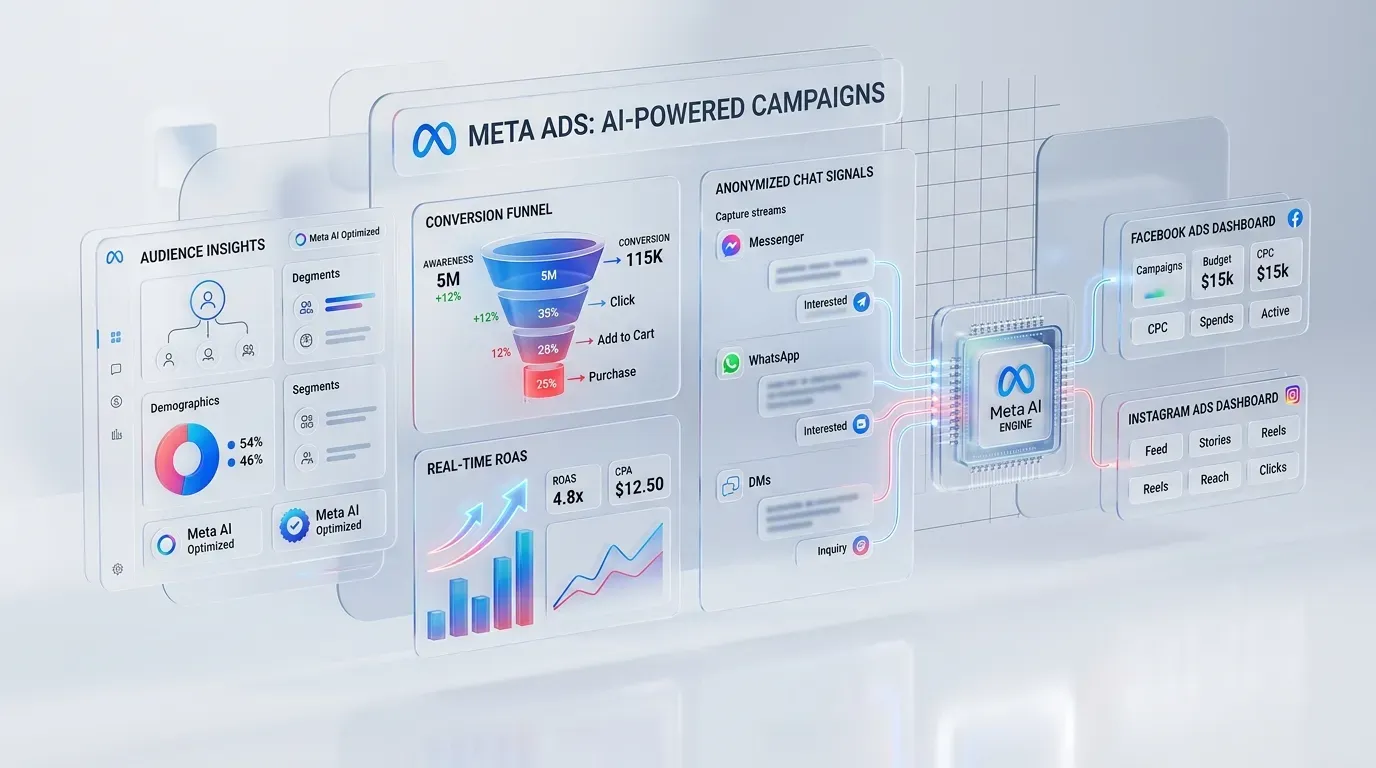
The mechanism works like this. When someone clicks a Google ad, the landing page URL carries a click identifier (the GCLID). The website form captures that identifier in a hidden field and saves it to the CRM with the lead. When the deal reaches a meaningful stage, such as "Qualified" or "Won", the CRM sends that event, with the click identifier, the time and optionally the deal value, back to Google Ads, either by scheduled upload or through an integration. Google Ads then attributes the qualified lead or sale to the right campaign, keyword and ad. Google Ads also supports enhanced conversions for leads, which matches on hashed email or phone number from the form instead of relying only on the click ID. Meta offers a comparable route for sending CRM events through its Conversions API.
Once real outcomes flow back, bidding strategies can optimise for qualified leads or revenue instead of raw form fills. Two cautions: uploads must happen regularly because ad platforms only accept conversions within their conversion windows, and the CRM stages you send must be updated honestly, because the ad platform will optimise toward whatever you label as success.
Common CRM mistakes and what to measure
The recurring mistakes are buying a CRM before agreeing the sales process, customising so heavily that upgrades break, creating too many pipeline stages that nobody uses consistently, making dozens of fields mandatory so staff stop logging, importing dirty data, and letting management keep asking for updates in chat instead of looking at the CRM.
What to measure in the first months: the share of deals with a next activity scheduled, lead response time from creation to first contact, stage-to-stage conversion rates, average days in each stage, win rate by lead source, and the share of new leads with a source recorded. These show whether the system is being used before they show whether sales are improving.
The honest limit: a CRM records and organises; it does not create demand or fix an offer that does not sell. If there are too few leads, the CRM will show that clearly, but solving it is a marketing question.
What this means for businesses in Thailand
For Thai SMEs the most common starting point is a sales process running on LINE chats and spreadsheets. The practical first step is an operational CRM with LINE and the website form connected, a short pipeline and a small set of required fields. ERP sync and ad-platform conversion import come next, once the team trusts the data. Analytical work, such as segmentation by lifetime value, becomes possible only after that data has been collected consistently for a while.
Frequently asked questions (FAQ)
Is a CRM only for large companies?
No, a CRM is useful as soon as more than one person handles customers or leads arrive faster than one person can remember. Small teams benefit most from the shared history and follow-up reminders, and many CRM products are priced per user so cost scales with team size.
Can Excel or Google Sheets replace a CRM?
A spreadsheet can store contacts, but it cannot reliably log activities, remind people of follow-ups, control permissions or connect to LINE, forms and ad platforms. It works for a very small list and breaks down once several people edit it.
What is the difference between CRM and marketing automation?
A CRM is the record of customers, deals and interactions, while marketing automation is the engine that sends messages and runs workflows based on that data. Many products combine both, but the CRM data is what makes automation accurate.
How long does it take to start using a CRM?
A basic operational setup for one team with a simple pipeline and form integration can run within a few weeks, while integrations with ERP, LINE and ad platforms add time depending on the systems involved. The slowest part is usually agreeing the process and cleaning existing data, not configuring the software.
If your leads live in chats and spreadsheets, or your ad reports cannot tell which campaigns produce buyers, Relevant Audience can help. See LINE CRM for turning LINE OA conversations into customer records, ERP and CRM integration for keeping sales and back-office data in sync, marketing process automation for follow-up workflows, and lead generation for filling the pipeline in the first place.