TL;DR
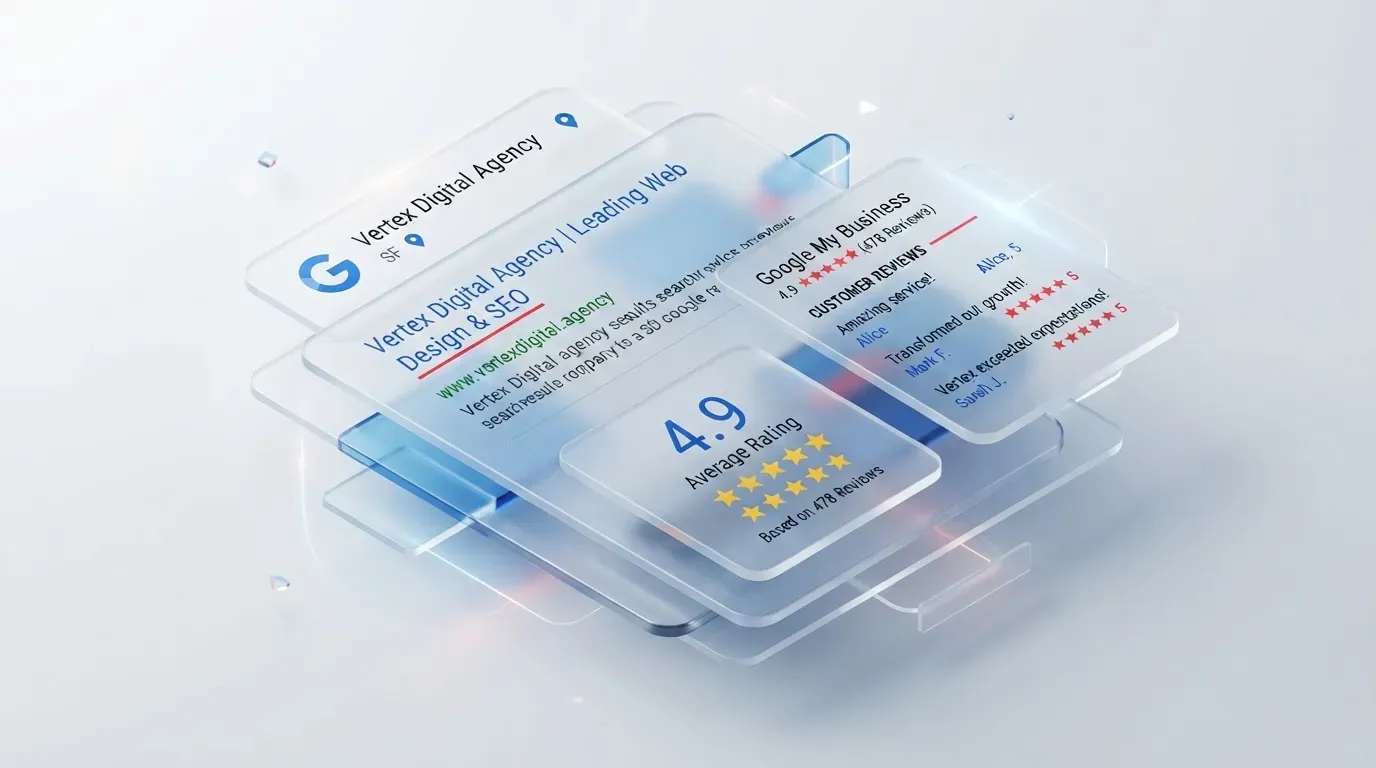
- SERPs stands for Search Engine Results Page, the page that lists web pages after a search query, whether organic listings or paid listings.
- Google's Visual Elements Gallery, published on the Google Search Central Blog, splits SERP elements into Attribution, Text Results, Rich Results, Video & Image Results and Exploration features.
- Attribution covers the favicon, site name and visible URL, and the visible URL itself splits into domain and breadcrumb.
- Text results cover the title link, snippet, byline date and sitelinks group, and the post notes not every page gets a featured snippet or a sitelink.
- Rich results are built from structured data, with product, review, offer and breadcrumb snippets named, while exploration features appear as the “People also ask” block.
Most people are probably familiar with using a search engine like Google Search to look up some piece of information.
But what exactly are Google SERPs? Why do so many people say that SERPs are the true friend of doing SEO? Today, Relevant Audience will take SEO beginners on a tour of the important elements that make up a Google SERPs page. All of the information here has been gathered and summarized from the Visual Guide that Google has put together. Let's get started.
What Are Google SERPs
First, let's get to know what Google SERPs—a term you often hear in the SEO world—actually are. SERPs is an abbreviation of Search Engine Results Page, or translated literally, the page that displays the results of a search whenever a user types in a query to look for information. The search engine's data repository system pulls up a list of various web pages to display, whether they are Organic Listing pages or Paid Listing pages.
The Basic Elements of a SERPs Page
Google has created a Visual Elements Gallery that helps explain the basic elements of SERPs on the Google Blog. Google has divided them into the following sections:
- Attribution
- Text Results
- Rich Results
- Video & Image Results
- Exploration features
When it comes to structuring the various pieces of information before they appear to general users, they can be divided according to the topics above, and each section has its own finer details, for example:
Attribution
The first section of the SERPs page that many people regularly see is collectively called Attribution. It displays the source of that particular web page, and it also shows text, images and video, the website name, a Favicon icon, and the URL link that guides users to the website.
- Favicon A Favicon is a small icon used to display the website's logo.
- Site Name This displays the name of the website, and it can be adjusted to be correct according to SEO principles.
- Visible URL This is the part that displays the website's URL, and it is divided into the Domain and the Breadcrumb.
- Domain This is the Site Address, which is the name of the website.
- Bredcrumb This is the website's table-of-contents section, helping users or algorithms understand which part of the website they are in.
Text result
Text Result—sometimes also called a Web Result or a Plain Blue Link—is overall the section where Google pulls up various content on a web page that is text, or various elements, to display, whether it is the Title, Attribution, Feature Snippet, Date, Sitelinks group, and so on.
- Title Link This displays the name of that particular web page, and clicking it links you straight to the web page.
- Snippet The Featured Snippet appears in the form of a text box that automatically summarizes the content of the web page (not every web page has one; you need to improve your content to match what the algorithm wants in order to increase the chances of that web page earning a Featured Snippet).
- Byline date This displays the estimated date of when this web page was updated or published.
- Sitelinks group These are links that show which menus exist on the web page, but not every page is selected to be displayed as a Site Link.
Rich Result
Rich Result is the collective name for the type of display on a SERPs page that pulls data from Structured Data to present it in various forms known as Rich Snippets. If you want your website to show this kind of display, you need to adjust your website's structure so that it can present more additional information. Popular snippets include Product Snippets, Reviews Snippets, Offer Snippets, Breadcrumb Snippets, and so on (Get to know the 7 Rich Snippets suited for E-Commerce websites).
Image & VIdeo Result
For Image Result, this displays images that appear within the content of that particular web page, increasing the chance of the website appearing in the Google Images section (6 tips for doing Image Optimization to suit your website )
As for Video Result, it is similar to Image Result, meaning that Google's algorithm takes the video content from that particular web page and presents it on the SERPs page.
Exploration Features
Exploration Features is a system Google designed to help people find information more correctly and accurately. It is displayed in the form of a collection of popular questions or popular answers that most people tend to search for, and it takes results from various websites that are able to answer these questions, which Google's algorithm then selects to display in the "People also ask" section.
Closing Thoughts
One of the important aspects of doing SEO is knowing the whole overall picture of what we are currently doing, which stage we are in, and what the results will be once we take action. Therefore, knowing the various structures of a Google SERPs page is like knowing the fundamentals that will help you analyze and make improvements so that your website can rank in SEO with quality.
We hope that the information we have gathered for you to look at today can be put to use to improve your SEO results. But if anyone has been doing it for a while and your rankings still haven't improved, don't give up just yet. Keep following our news and tips, and we can guarantee that it will help make your work easier and more efficient for sure.
Source : Google Search Central Blog
Get Digital Marketing Consulting at Relevant Audience
Relevant Audience is a company that provides Digital Performance Marketing Agency services, with the main goal of delivering digital marketing services that help businesses reach the target audiences who are looking for their products or services at the right time, place, and on the right device, through various online channels. Our services cover Search Marketing, Social Media Ads, Search Ads, and SEO (Search Engine Optimization), all the way to Influencer Marketing, and we are also part of the Google Partners program.
For more information
Tel.: 02-038-5055
Email: info@relevantaudience.com Website: www.relevantaudience.com