TL;DR
- TikTok's official Model Context Protocol server gives MCP-compatible agents such as Claude or Cursor a sanctioned, structured channel into TikTok instead of custom API wrappers or unofficial workarounds.
- Two paths exist: a content data path covering video transcripts and subtitles, view counts and engagement metrics, creator metadata and trending signals, and an ads path into the TikTok Ads API for pulling campaign data, adjusting bids and budgets and pausing ad sets.
- The ads automation path requires authenticated API access through TikTok's official developer program.
- Non-developers install through MCPB, or MCP Bundles, as a one-click bundle for Claude Desktop; developers clone the official repository, install dependencies and add the server to claude_desktop_config.json as a local stdio process.
- Prompts have to be specific to trigger the tools, such as pausing TikTok Ads campaigns with a cost per click above $2.00 or flagging ad sets with a click-through rate below 1%.
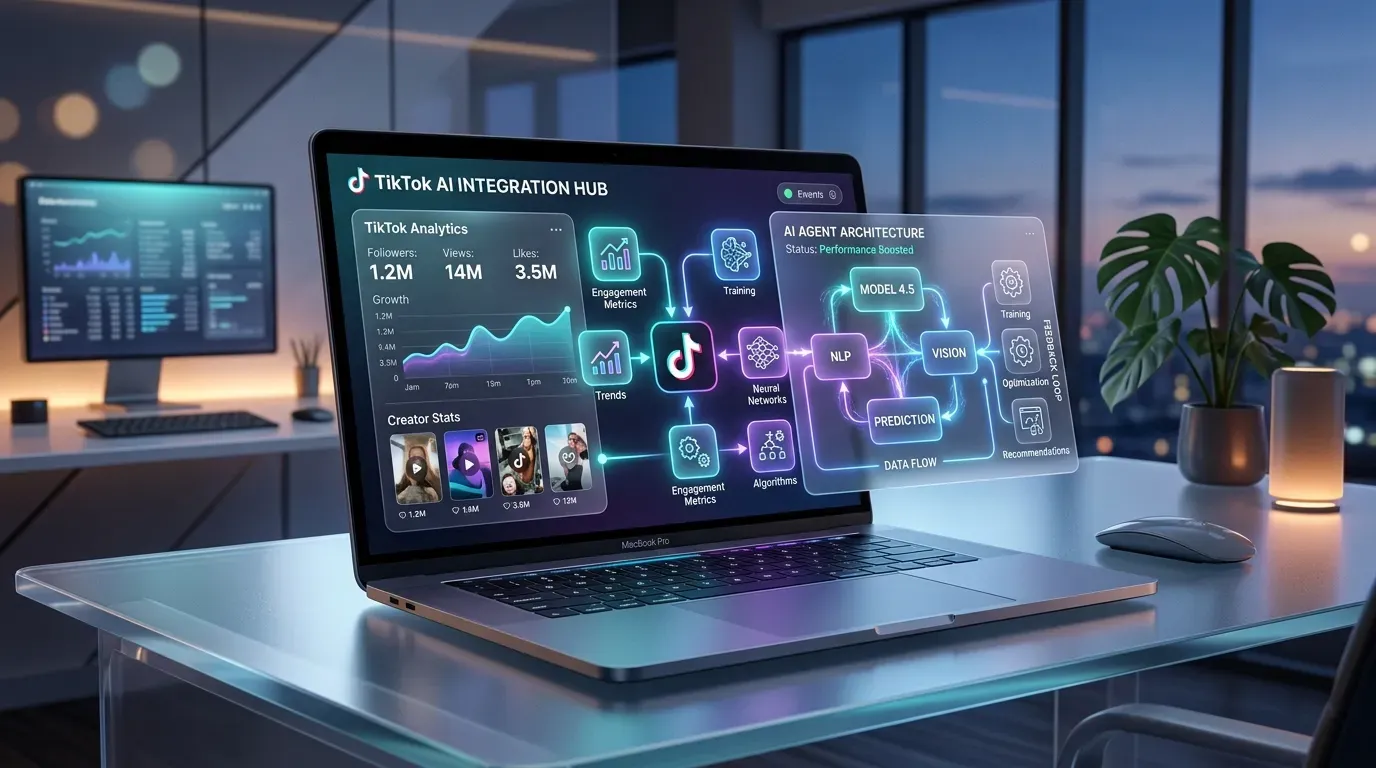
What if your AI agent could browse TikTok trends, pull engagement data, and optimize your ad campaigns without you lifting a finger? That’s exactly what TikTok’s official Model Context Protocol (MCP) server makes possible. Launched as part of the broader MCP ecosystem, gaining traction across major platforms, the TikTok MCP server opens a direct communication channel between AI agents and the TikTok platform.
Whether you’re a marketer managing TikTok Ads or a developer building research workflows, understanding how TikTok MCP works will save you from a lot of wasted setup time. There are two distinct functional paths, and picking the wrong one for your situation is more common than you’d think.
 ## Table of Contents
- What Is TikTok MCP and Why Does It Matter for AI Agents?
- How to Connect an AI Agent to TikTok: Setup, Workflows, and Real-World Prompt Recipes
What Is TikTok MCP?
Model Context Protocol is an open standard built to let AI agents talk to external platforms in a structured, predictable way. Think of it as a universal adapter. Instead of building a custom integration every time you want an AI tool to interact with a specific platform, MCP gives both sides a shared language they already understand.
TikTok’s MCP server plugs directly into that standard. So AI agents like Claude, Cursor, or any MCP-compatible tool can now send requests to TikTok and get back usable data, without custom API wrappers or the kind of brittle workarounds that break every few weeks.
That matters because TikTok has historically been a closed system from an automation standpoint. Getting structured data out of it required manual work, unofficial tools, or expensive enterprise arrangements. The MCP server changes that by giving developers and marketers a sanctioned, structured path in. That’s not a small thing.
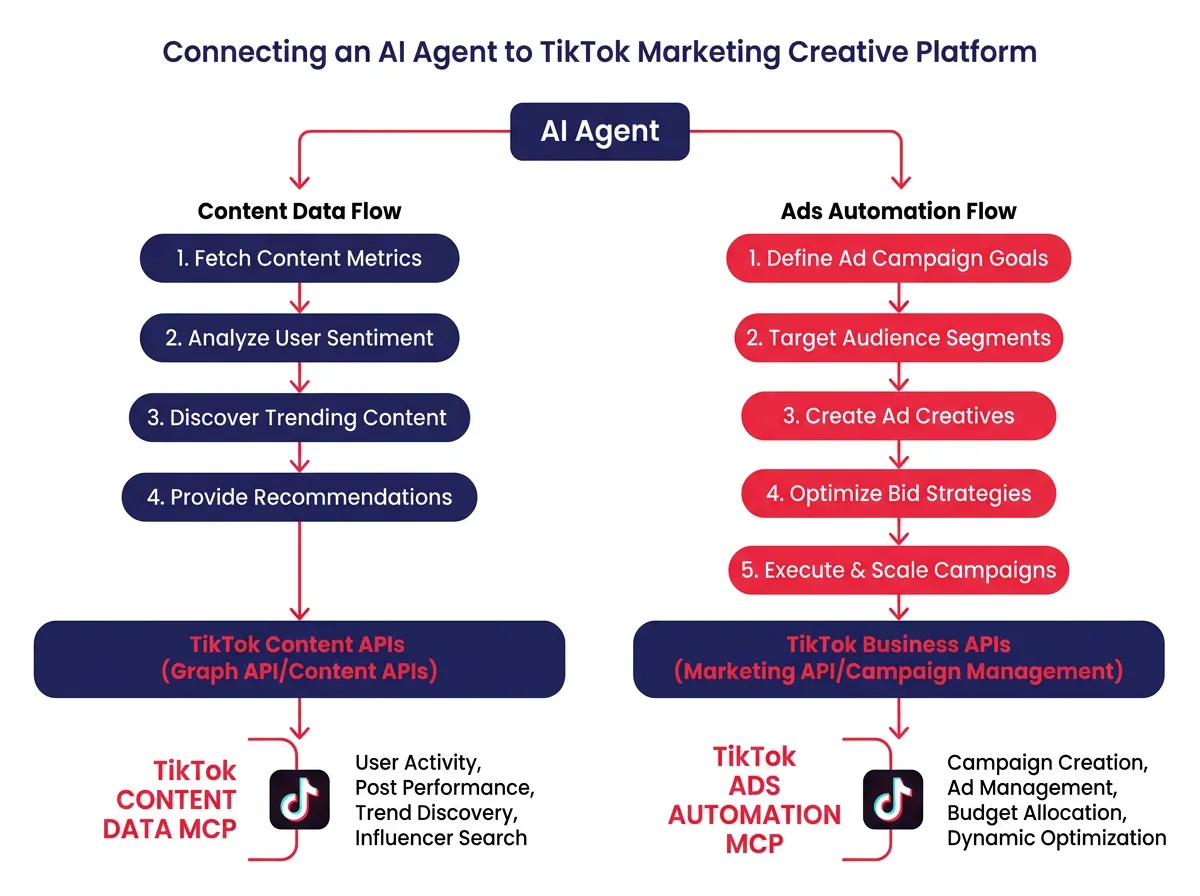
2 Functional Paths: Content Data vs. Ads Automation
TikTok MCP has two distinct use cases, and they serve very different audiences.
1. Consumer and content data
This path gives AI agents access to public-facing TikTok content, including:
- Video transcripts and subtitles
- View counts and engagement metrics
- Creator metadata and profile information
- Trending content signals within specific niches
If you’re trying to understand what content is performing well, what creators in your niche are doing, or what topics are gaining traction, this is where you want to be.
2. Enterprise Ads Automation
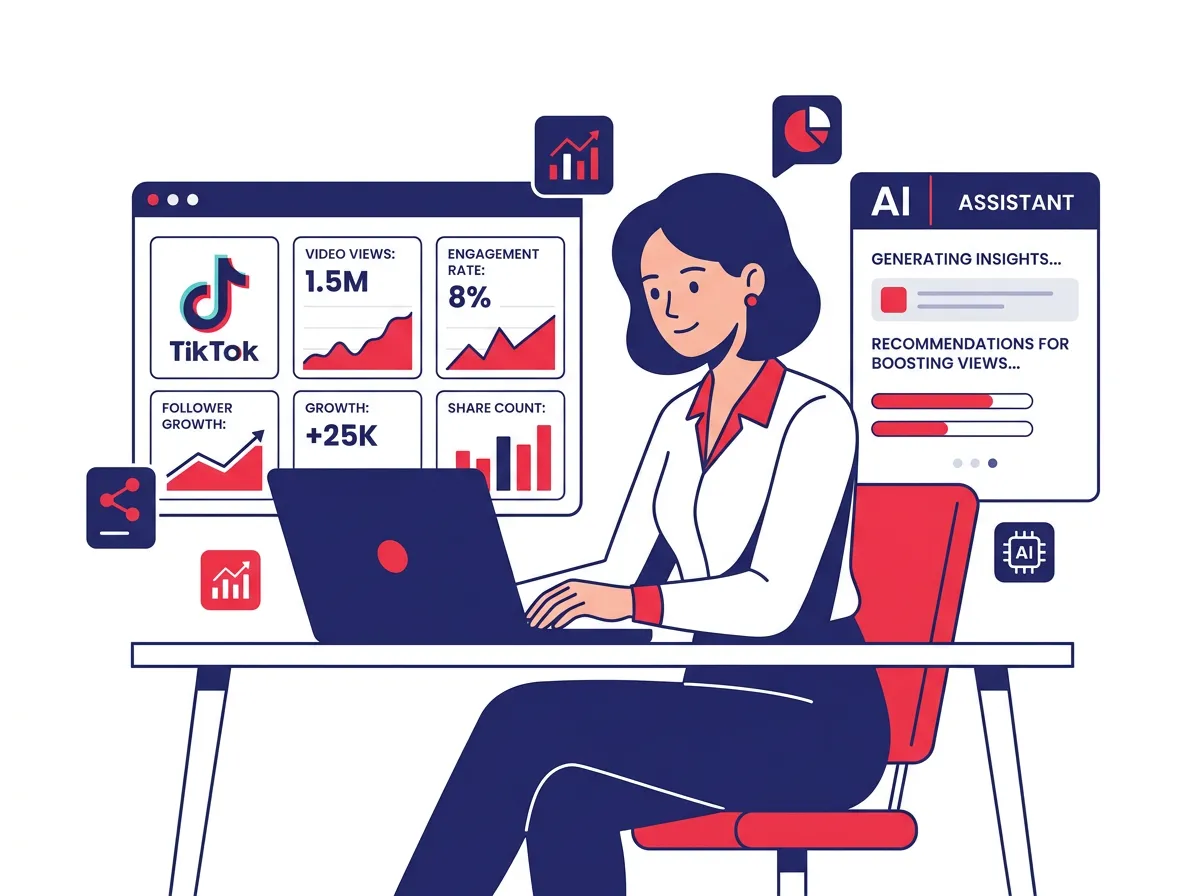
This path connects AI agents to the TikTok Ads API. It allows agents to:
- Pull campaign performance data
- Adjust bids and budgets
- Pause or activate ad sets based on performance rules
- Generate reporting summaries across multiple ad accounts
This path requires authenticated API access through TikTok’s official developer program. It’s built for anyone actively running paid campaigns, not casual researchers.
Which MCP Path is Right For You?
Ask yourself one question: are you trying to understand TikTok content, or are you trying to manage TikTok spending?
| Goal | Best path |
|---|---|
| Research trending content | Content data path |
| Analyze competitor creators | Content data path |
| Write scripts based on viral videos | Content data path |
| Optimize ad campaigns | Ads automation path |
| Adjust bids and budgets automatically | Ads automation path |
| Generate performance reports | Ads automation path |
If you’re doing both, you’ll probably end up using both paths. Just know they have separate setup requirements and different compliance considerations, so don’t try to rush through either one.
How to Connect an AI Agent to TikTok: Setup, Workflows, and Real-World Prompt Recipes
No-code Route: MCPB and Claude Desktop configuration
If you’re not a developer, the easiest starting point is MCPB, which stands for MCP Bundles. MCPB packages MCP server configurations into simple, installable bundles that work directly with Claude Desktop.
The process looks like this:
- Install Claude Desktop if you haven’t already
- Open the MCPB directory and find the TikTok MCP bundle
- Follow the one-click install process, which adds the server configuration automatically
- Restart Claude Desktop and verify the TikTok tools appear in your agent’s tool list
No coding knowledge required. The tradeoff is that you have less control over how the server runs and fewer options for customization. For most content researchers and social media managers, that’s a perfectly fine tradeoff.
Developer Route: Git, NPM, and Stdio Local Process Setup
Developers who want more control can set up the TikTok MCP server locally. The general process involves cloning the official TikTok MCP repository, running the dependency installation, and then updating the Claude Desktop configuration file to point to the local server process.
The configuration file you’ll be editing is claude_desktop_config.json. You add a new server entry that tells it to run the MCP server as a local stdio process. Once that’s in place, Claude Desktop spins up the TikTok MCP server in the background every time it starts.
This approach lets you modify server behavior, add logging, or wrap additional tools around the core TikTok functionality. It also makes staying up to date much easier when TikTok pushes changes to the MCP specification.
 ### Prompts That Trigger TikTok MCP Tools
The biggest gap people run into after setup is not knowing how to prompt their AI agent in a way that actually activates the TikTok tools. Here are prompt structures that work:
For content research:
- “Use TikTok MCP to pull the top 10 videos from the past 7 days in the [niche] category and summarize the common themes in their scripts.”
- “Find trending hashtags related to [topic] on TikTok and list the top creators using them with their average view counts.”
- “Analyze the subtitles from the three most-viewed videos about [subject] and identify what makes each one engaging.”
For ads automation:
- “Check my TikTok Ads account for any campaigns with a cost per click above $2.00 and pause them.”
- “Pull last week’s performance data for all active ad sets and flag any with a click-through rate below 1%.”
- “Generate a weekly performance summary for my TikTok Ads account and organize it by campaign objective.”
The pattern here is specificity. Tell the agent exactly what data you want and what you want done with it. Vague prompts like “tell me about my TikTok performance” produce vague results. It’s that simple.
This isn’t a trend story. TikTok MCP represents a shift in how marketers and developers interact with one of the world’s largest social platforms. The teams building reliable agentic workflows now, while most people are still figuring out the basics, will have a genuine advantage as these tools get more capable and more woven into everyday marketing operations.